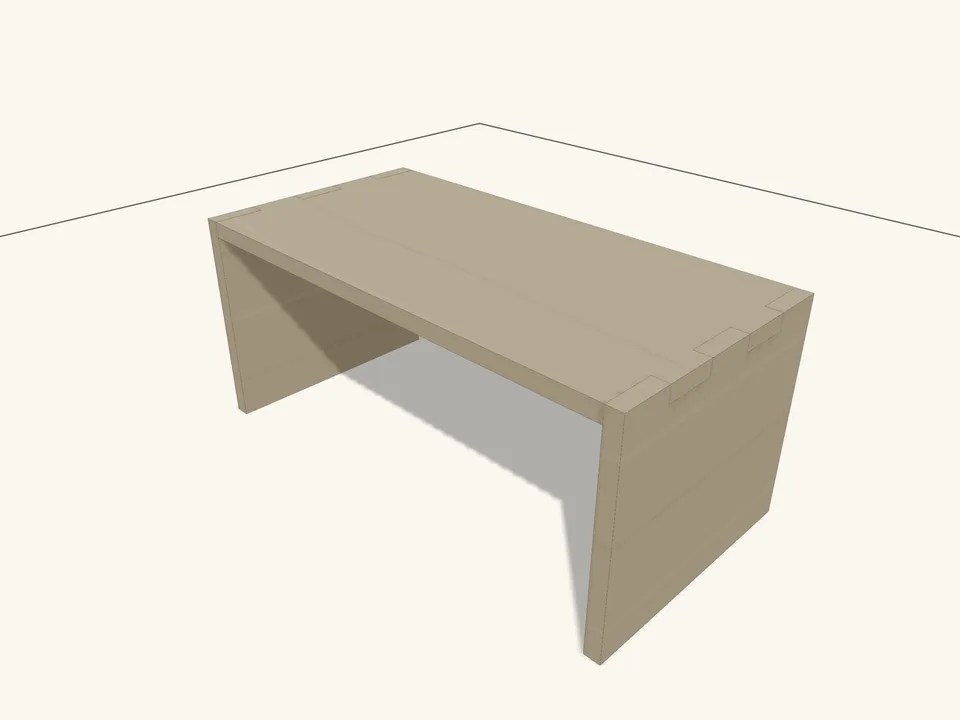
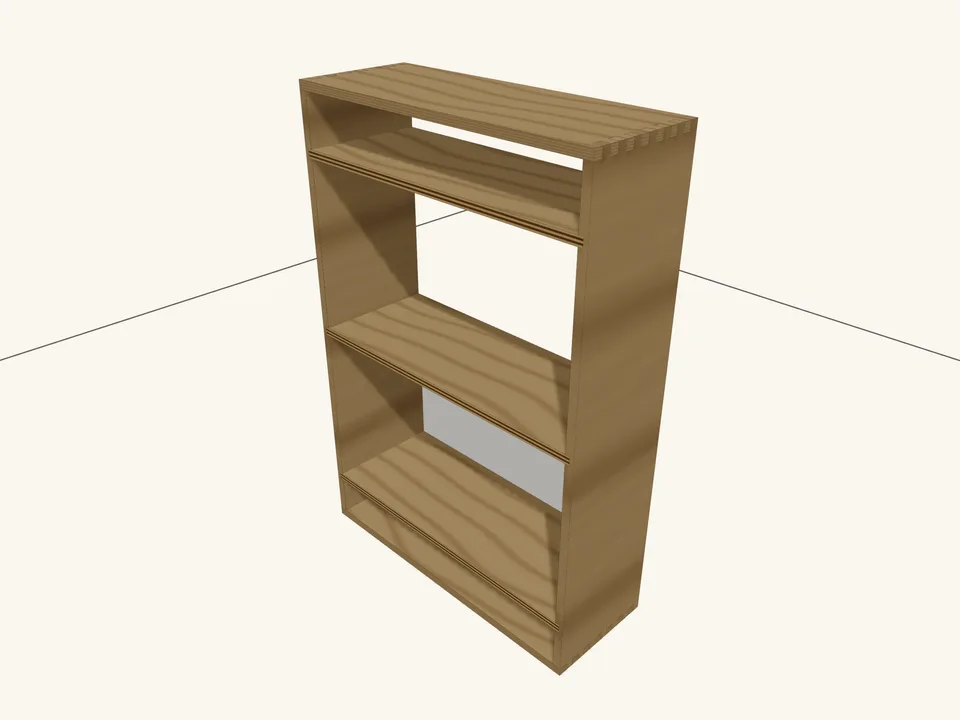
Drawer Pull
Fascia and Pull3" × 1" × 3/4" finished
Example · the starter side table
GrainDraft is a parametric woodworking modeler that runs in your browser. Design with real stock and real joinery, then print a dimensioned shop packet, cut list and Shaper Origin files from the same model.
GrainDraft is meant for a computer or tablet. On a phone it works, but the screen is tight.
Free. No account. Projects stay in your browser unless you share or publish one.
Meant for a computer or tablet; a phone works, but it is tight.
3" × 1" × 3/4" finished
14-3/4" × 6-1/4" × 3/4" finished
21" × 1-1/2" × 1-1/2" finished
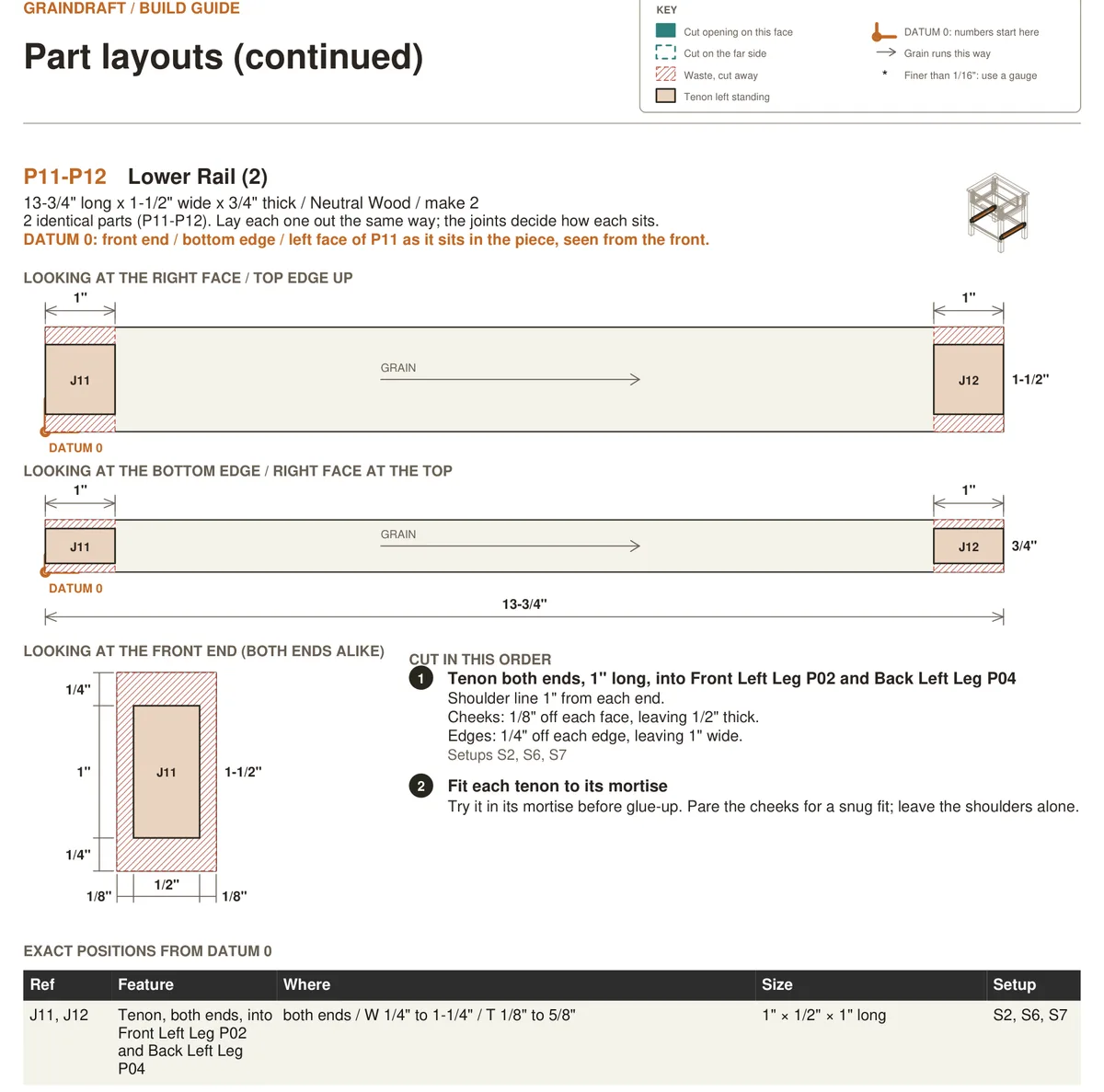
13-3/4" × 1-1/2" × 3/4" finished
15" × 13" × 3/4" finished
17" × 1-1/2" × 3/4" finished
19" × 15-3/4" × 3/4" finished
Not joined in the model. The packet says so and leaves the fixing method to you.
13-3/4" × 6-1/2" × 3/4" finished
21" × 1-1/2" × 1-1/2" finished
17" × 1-1/2" × 3/4" finished
21" × 1-1/2" × 1-1/2" finished
13-3/4" × 1-1/2" × 3/4" finished
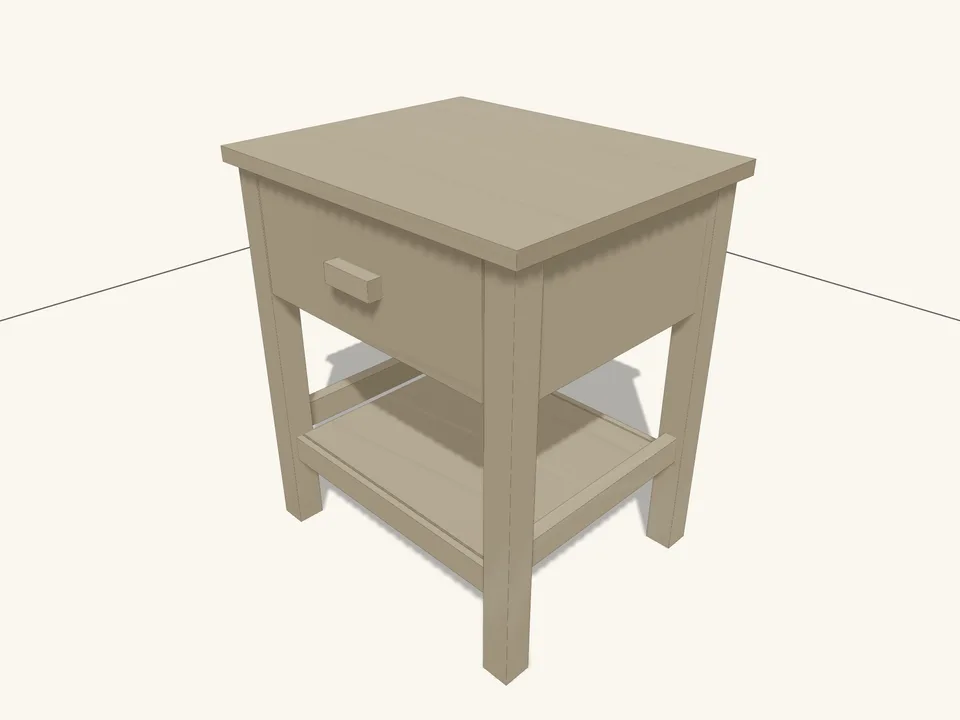
The starter table, drawn by GrainDraft's drawing engine. Choose a part reference to see its finished size. Open this table in GrainDraft →
The starter's sizes are named and linked by formulas. Change overallHeight and the legs, upper rails, drawer box and fascia resize together, while the drawer stays inside its opening.
Before anything changes, the Dimensions preview lists the parts and joints it will touch and checks them again. At 19-3/4″ it reports 14 parts that resize or move, 28 joints checked, and no new findings.
Each drawing is GrainDraft's own output for that value. Board feet and material cost come from the same model.
| overallHeight | Parts that change | Joints checked | Board feet | Material | New findings |
|---|---|---|---|---|---|
| 19-3/4″ | 14 | 28 | 6.68 | $39.01 | None |
| 21-3/4″ · as shipped | — | — | 7.77 | $45.58 | — |
| 23-3/4″ | 14 | 28 | 8.87 | $52.15 | None |
| 25-3/4″ | 14 | 28 | 9.96 | $58.72 | None |
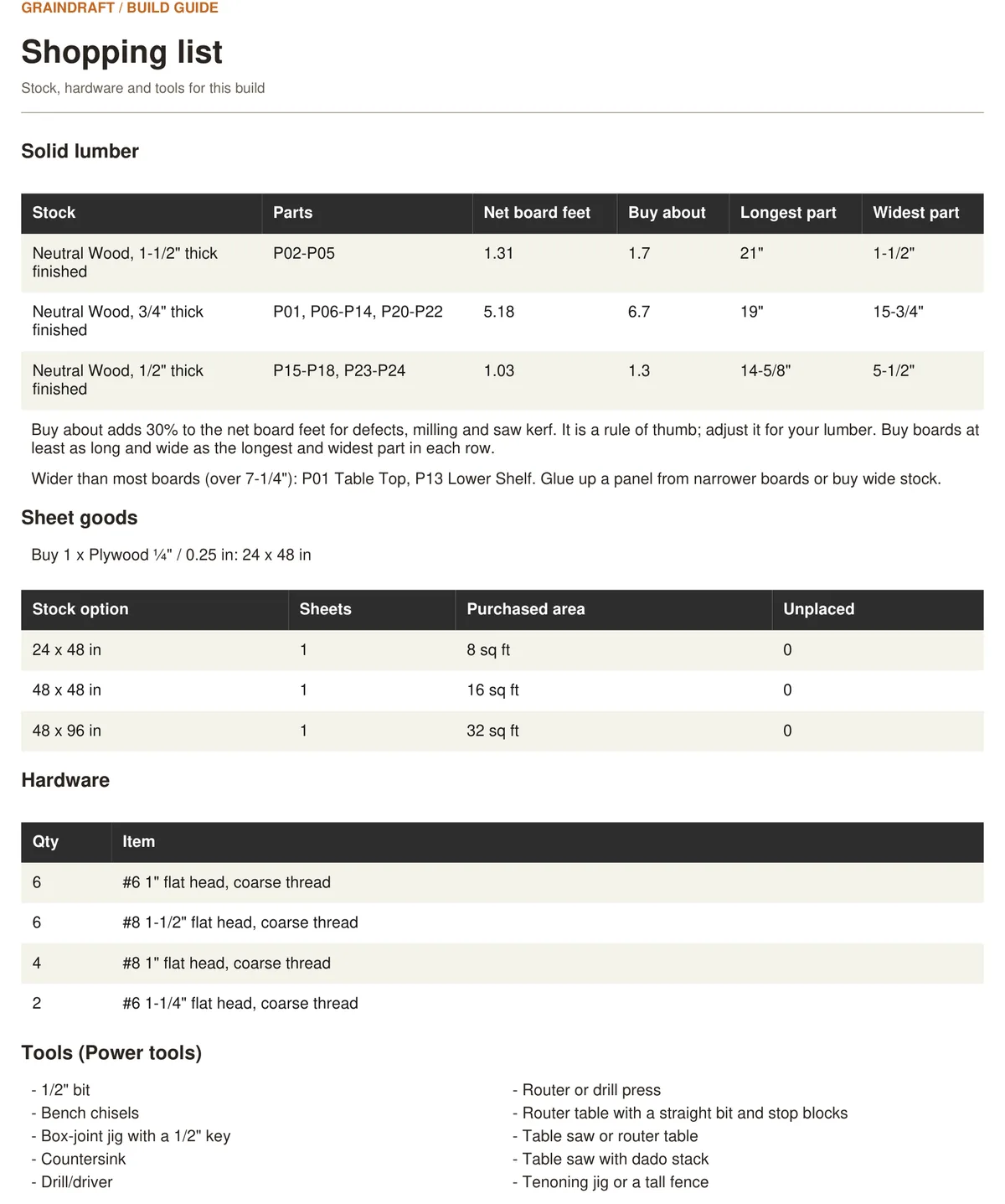
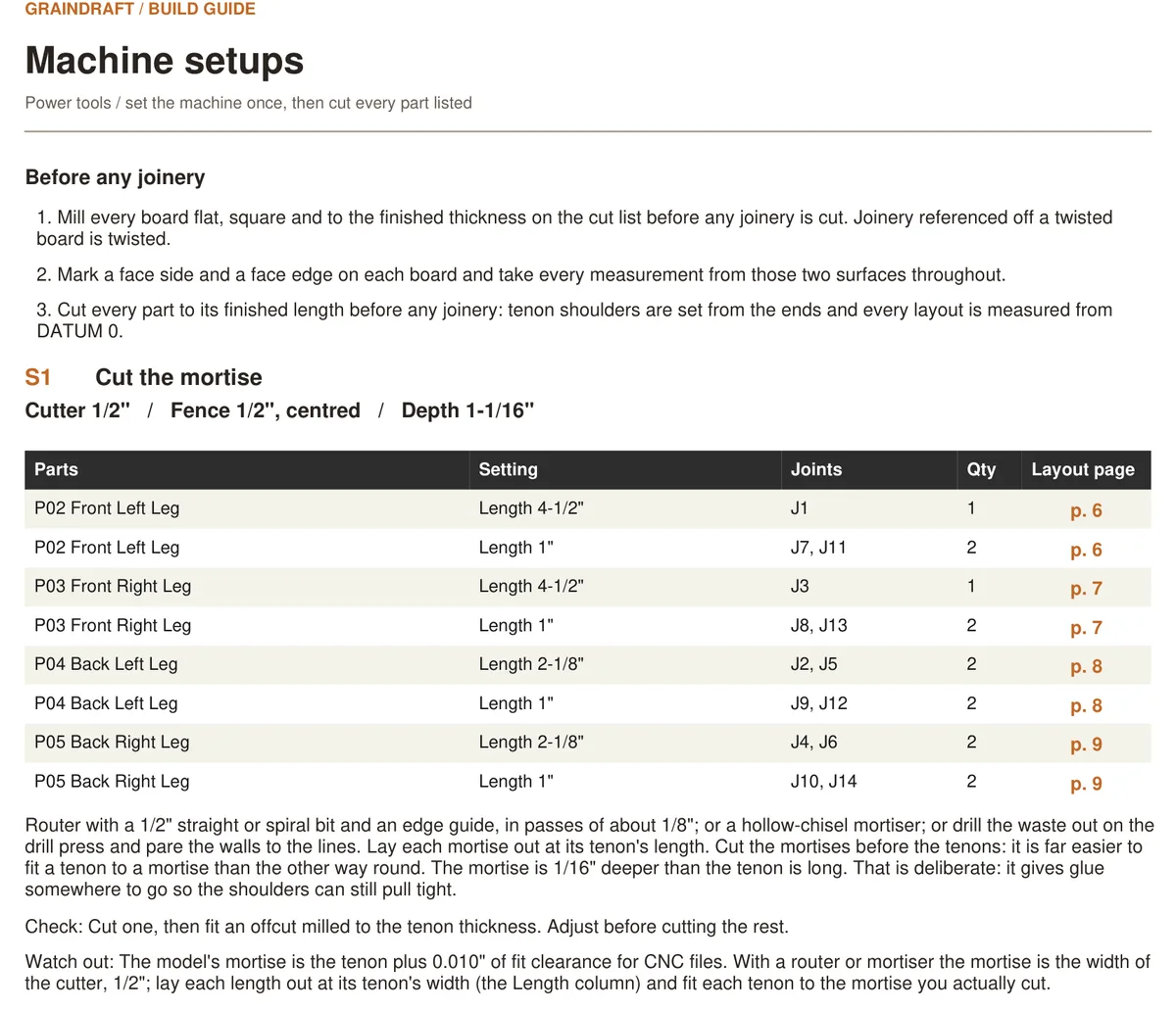
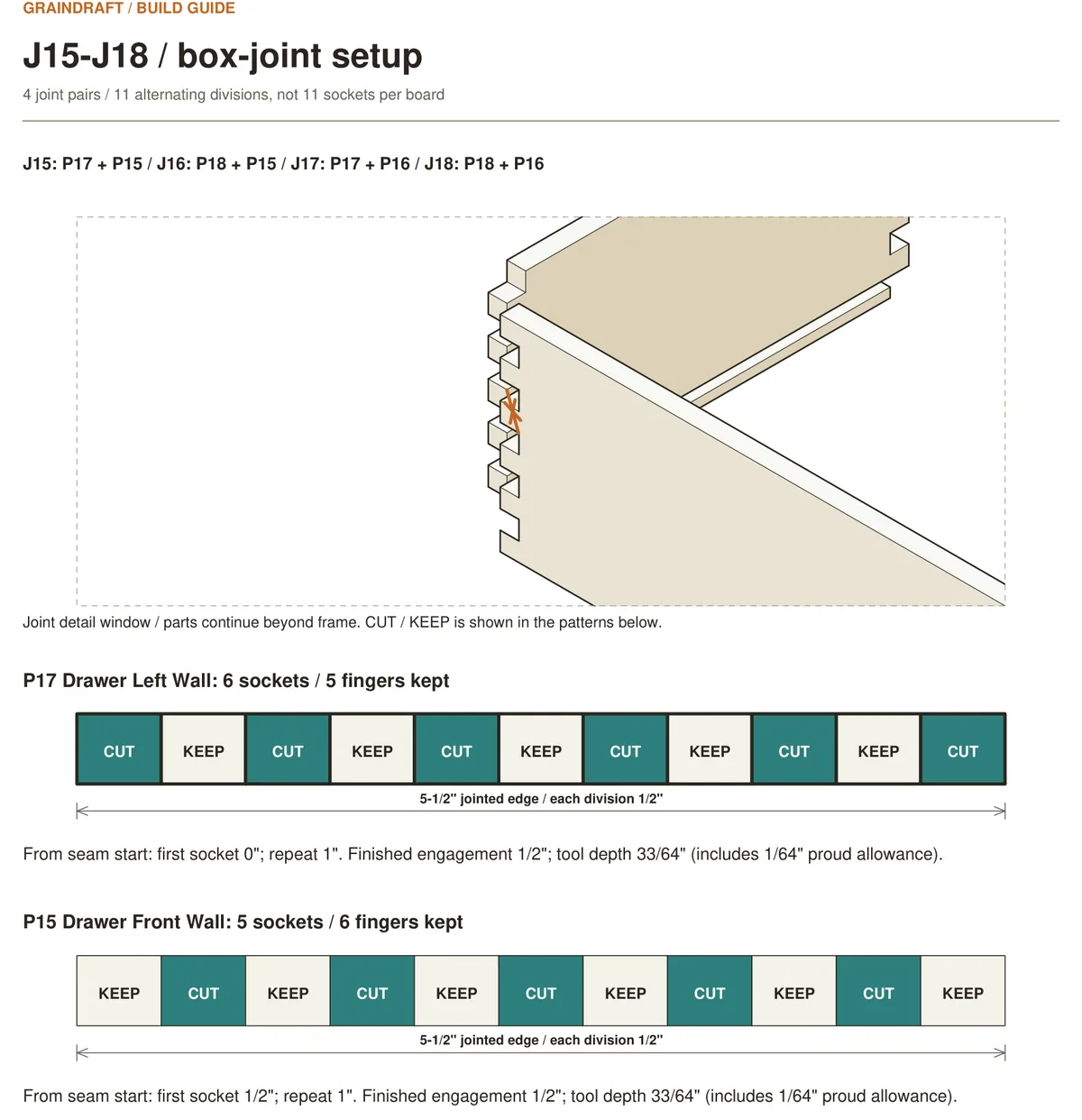
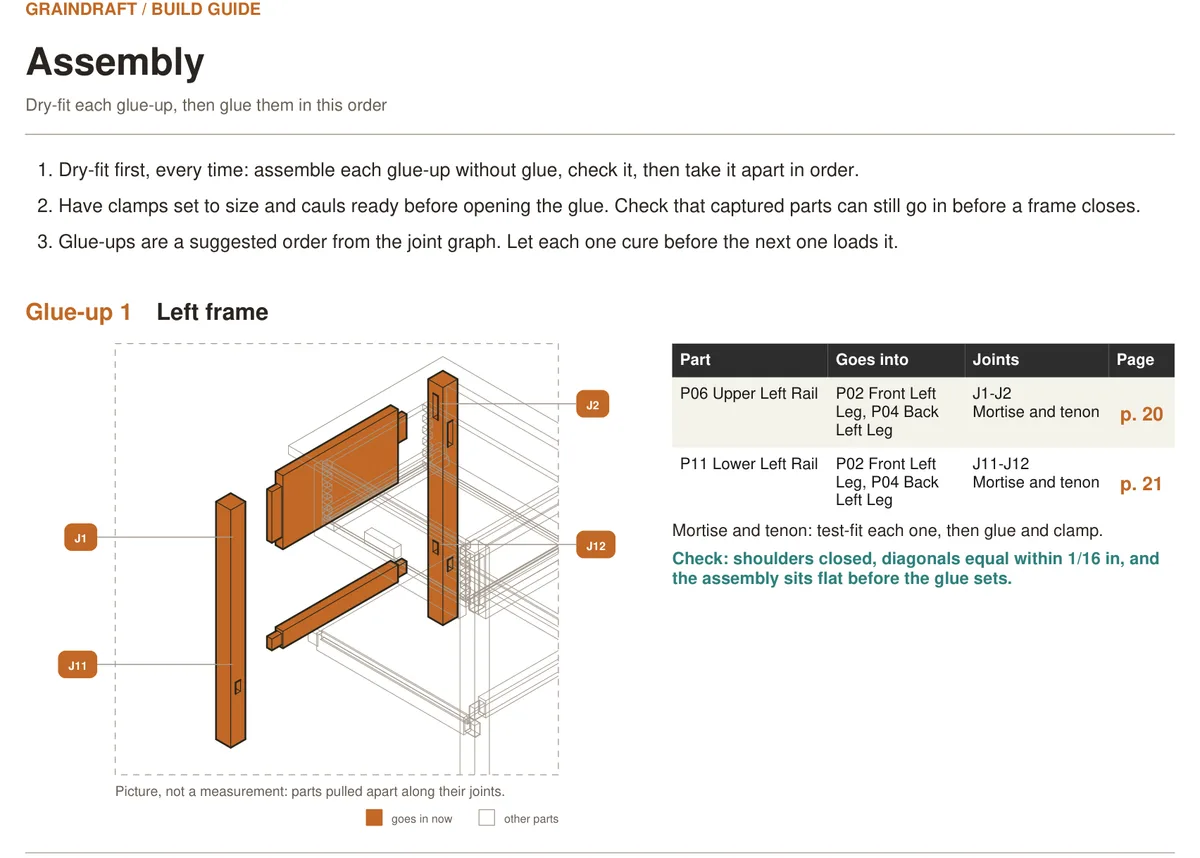
Shop packet turns the model into a build guide in the order you work: a shopping list, a cutting list, a layout for every part that locates each joint from one marked corner and names the part it takes, a drawing of each joint pulled apart and in section with its sizes, machine setups that group every cut sharing a setting, glue-ups in an order you can clamp, and a review of anything the model could not settle. The numbers are in shop fractions, and the same model exports a CSV cut list and Shaper Origin SVGs with matching setup pages.
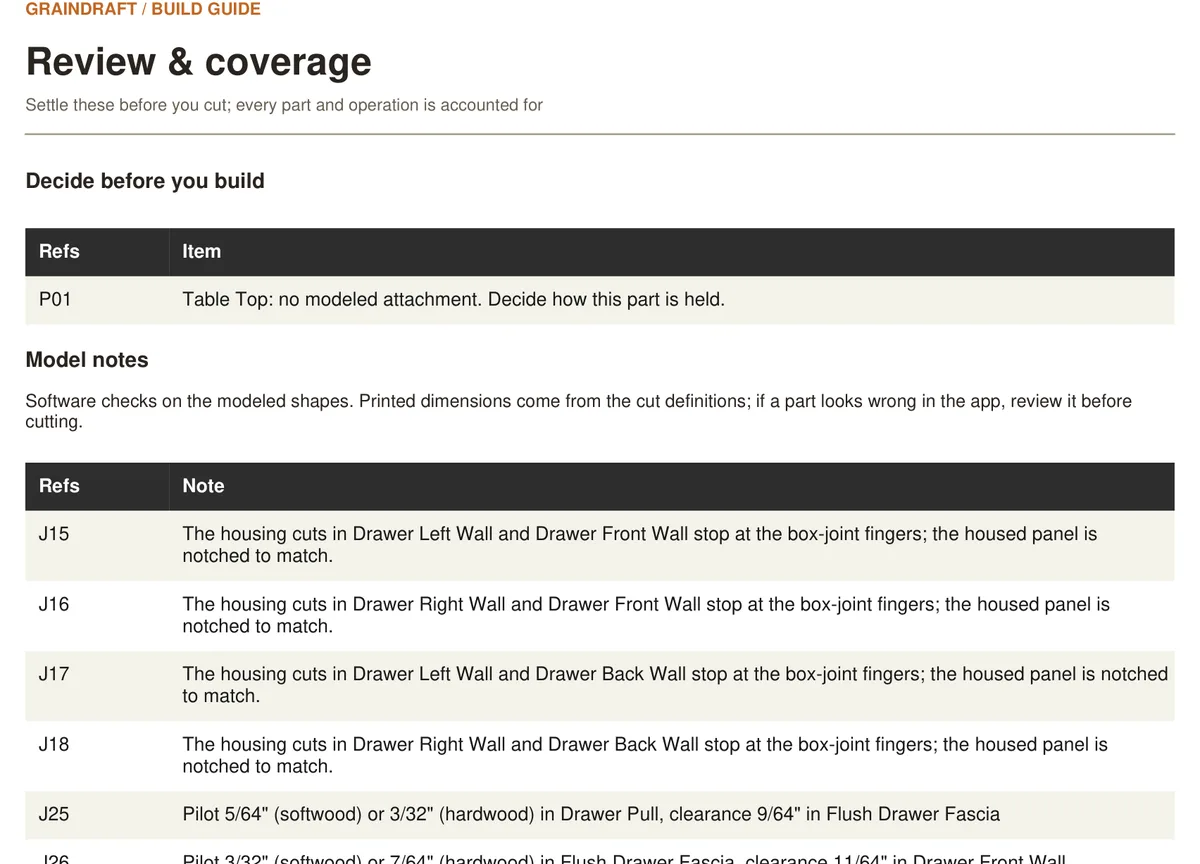
What this sample leaves to you. Its review pages report 0 joint errors; 0 warnings; 1 part without modeled attachment; 1 software geometry note (2 parts). The table top is not joined in the model, so how you fasten it is your decision. What the geometry check reports is listed as it is, and stays in the packet on purpose.
PDF · 41 pages · 5.5 MB
Choose two boards and the joint between them. GrainDraft cuts both halves from one relationship, previews them assembled, exploded and in section, and checks the fit before the joint reaches the packet. There is no dovetail yet.
Connect a rail to a leg. Set the shoulders and engagement, then inspect the tenon and the receiving mortise.
Set a finger width and joint band. Complementary fingers connect the two boards; the packet prints which to cut and which to keep.
Complementary bevels meet at the connection. Inspect the meeting faces and the stock that remains.
A groove sized to the actual stock houses a shelf in a case side. Review groove depth and panel movement.
An edge recess receives another board. Check the reveal and the stock left at the edge.
One relationship notches both boards. Inspect the overlap and the thickness left in each.
Place an angled screw connection. Review engagement, edge clearance and jig settings for your stock.
Located fasteners with length, pilot and clearance holes, checked against the material around them.
Every change is saved on this device, with two rotating recovery copies and a journal for refreshes. Nothing is sent to a server unless you choose Share or Publish to Gallery.
GrainDraft asks the browser to keep your projects and shows whether it agreed. Download a .graindraft backup to move to another device.
If the app hits an error, the recovery screen downloads the model that was open, and saving stops so your last good version stays put.
Want someone else to see it? Share uploads a copy only when you press the button and gives you a link — no account for either of you.
The gallery holds projects you can open in GrainDraft, turn around, resize and make your own. Opening one asks first and saves the project you have open, so there is nothing to lose by looking.
Free. No account. It runs in a modern browser and is meant for a computer or tablet, and your projects stay on your device unless you share or publish one.
Opening the side table asks first and saves the project you have open to your Project shelf.
GrainDraft is meant for a computer or tablet. On a phone it works, but the screen is tight.