- Can I send a project to someone?
- Yes. Share uploads a copy when you press the button and gives you a link anyone can open, with no account. Links are not permanent: the least recently opened ones are removed when shared storage is full, and Stop sharing removes one early. Download a project file for a copy that lasts.
- Can I put my project in the gallery?
- Yes. Project › Publish to Gallery sends a public copy for review, with no account. The window shows everything that will become public before you submit. GrainDraft looks at each submission, usually within a few days, and you can withdraw yours at any time.
- Can I work in woodworking fractions, or in millimetres?
- Both. Enter values such as 15 3/4, and choose fractional or decimal display, or switch the whole app to millimetres in Preferences → Measurements. Projects are stored in inches, so the same file opens correctly on either setting. Rounded measurements are marked with an approximation symbol.
- What can I take to the shop?
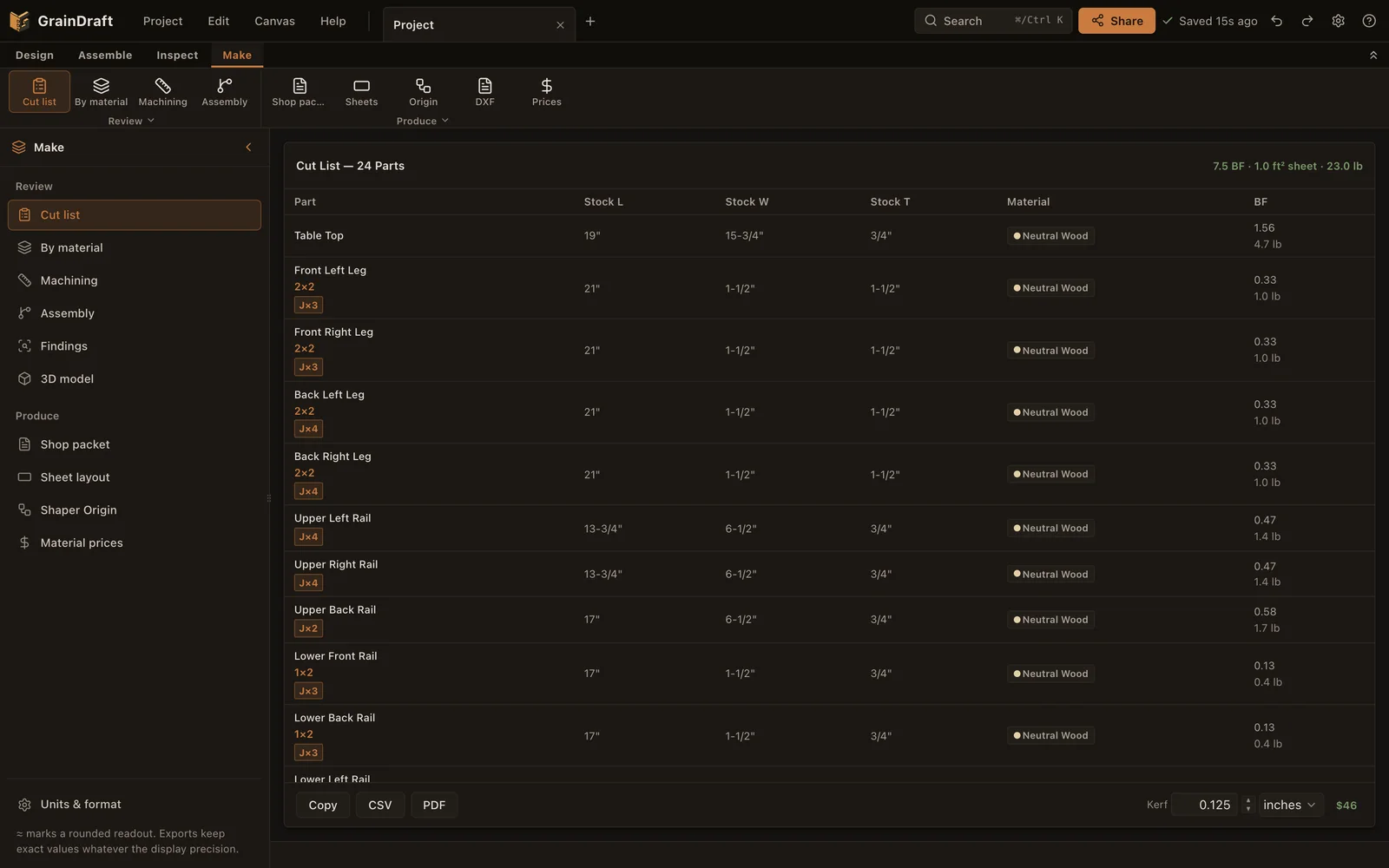
- Cut lists, material estimates, sheet layouts and illustrated shop packets help plan the build. Supported operations can also produce SVG files for Shaper Origin; STL, OBJ and glTF cover mesh exports.
- Does a fit check guarantee the finished piece?
- It helps identify modeled conflicts and joint issues. Review the findings, actual stock, tool setup, workholding and assembly method before making cuts.
- Where should I start?
- Follow the two-board first-joint exercise, or the side-table walkthrough. Opening the app from this site never replaces your project; the Open the side table link asks first and saves your project to the Project shelf.