
Take a clear plan to the shop.
Bring stock, material estimates, machining and assembly information together before exporting.
What Make does
01
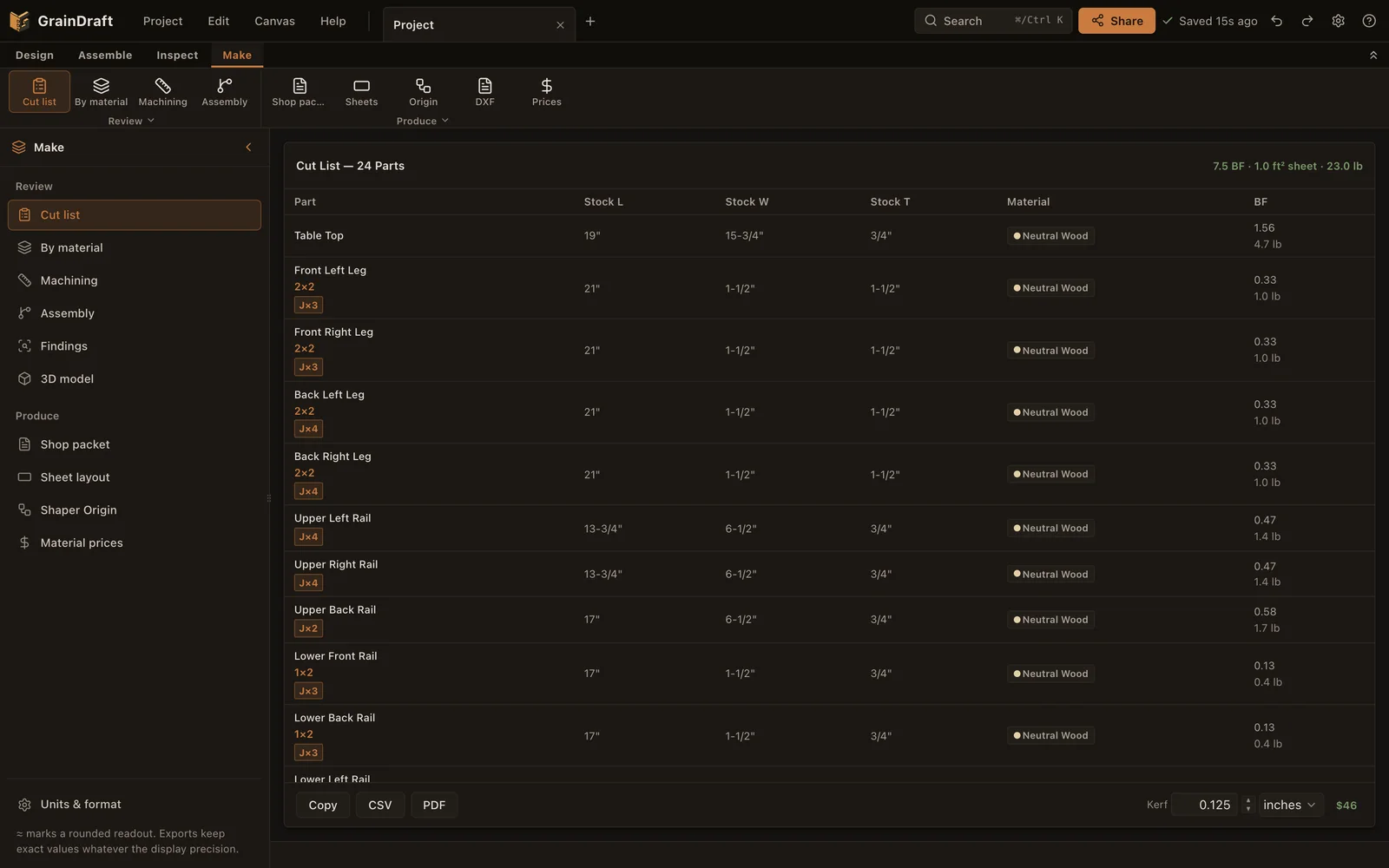
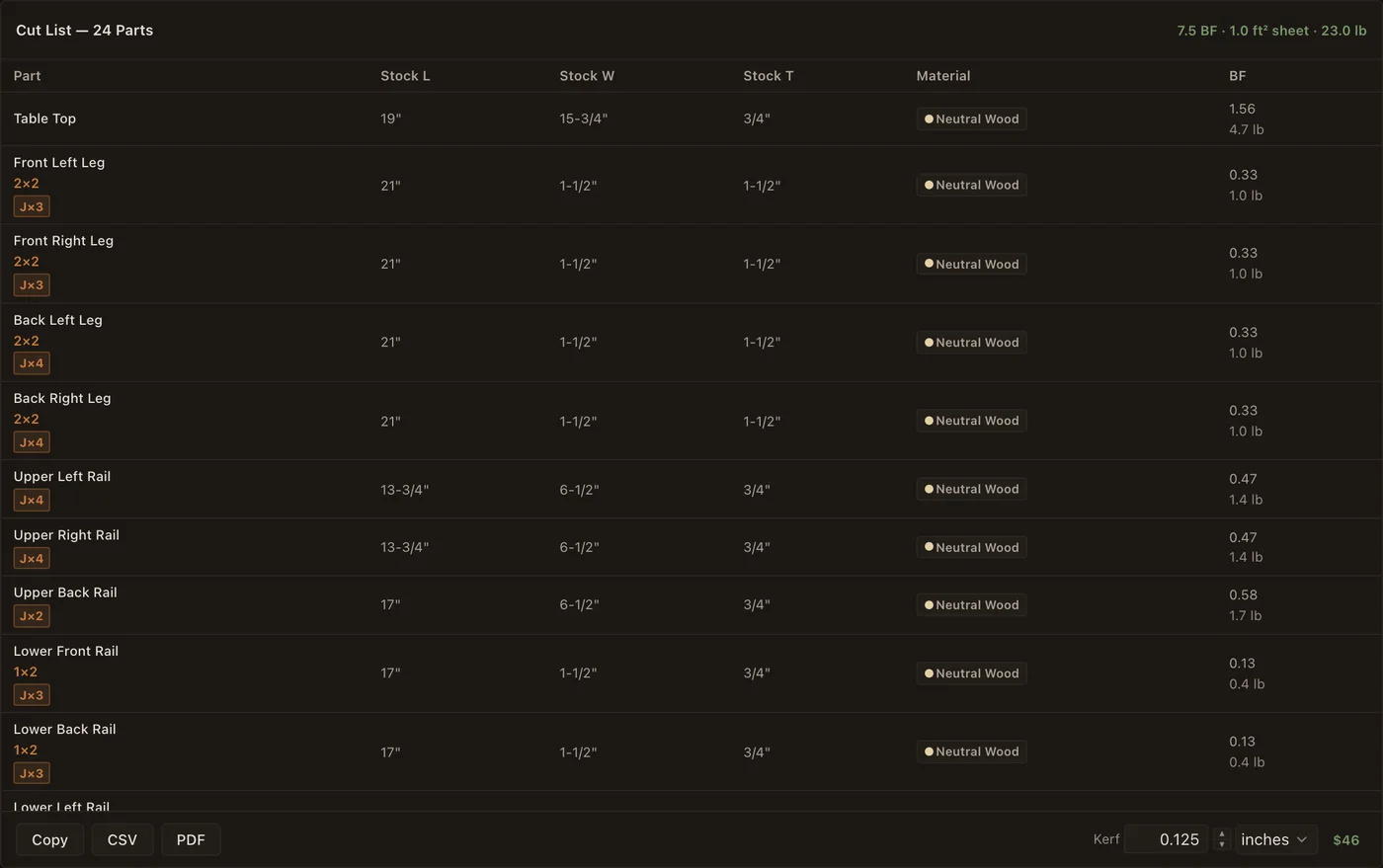
A live stock list
Review stock length, width and thickness in inches or millimetres with material and board feet (square feet for sheet goods), and enter the saw kerf in either unit. CSV and PDF outputs carry your cut list out of the browser in the same unit.
02
Material estimates
Set species prices and compare project totals. Hardwood board-foot and dimensional-stock linear-foot pricing reflect different purchasing methods.
03
Sheet layout
Arrange plywood and MDF parts on quarter, half or full sheets, then print a pencil-marking PDF with each part measured from a datum corner. Parts that do not fit are listed.
04
A shop packet that reads as a build guide
By default a build guide in the order of work: shopping list, cutting list, part layouts that draw each part the way up it sits, show each tenon from its end, list the cuts in order and locate every joint from a marked corner, dimensioned drawings of each joint pulled apart and in section, machine setups that group cuts by setting, and glue-ups in order drawn pulled apart along their joints, for power tools, hand tools or Shaper Origin. Box joints at a square board end add a full-size paper template for each end, to print at 100%, wrap over the end and saw to. A technical reference is still available.
05
Supported Shaper Origin cut files
Inspect exact setup previews and export supported mortise-and-tenon, box-joint and profile operations with encoded depths and a custom datum anchor. Omitted work is listed; verify settings on-tool.
06
DXF for any CNC router
Export every part's outline, shaped parts included, and each machining setup with its pockets and depths as DXF in inches, on layers named by cut and depth, for VCarve, Carbide Create, Fusion and other CAM programs.
07
Finished-solid exports
Export STL (Z up, for slicers), OBJ and glTF geometry for downstream workflows. These mesh files are distinct from operation-specific machining files.
GrainDraft is meant for a computer or tablet. On a phone it works, but the screen is tight.
The setup and the cut file belong together.
Choose the board, inspect the exact face and datum, then download its setup SVG. Add Origin setup pages and matching files to your shop packet to keep the bench instructions with the work.
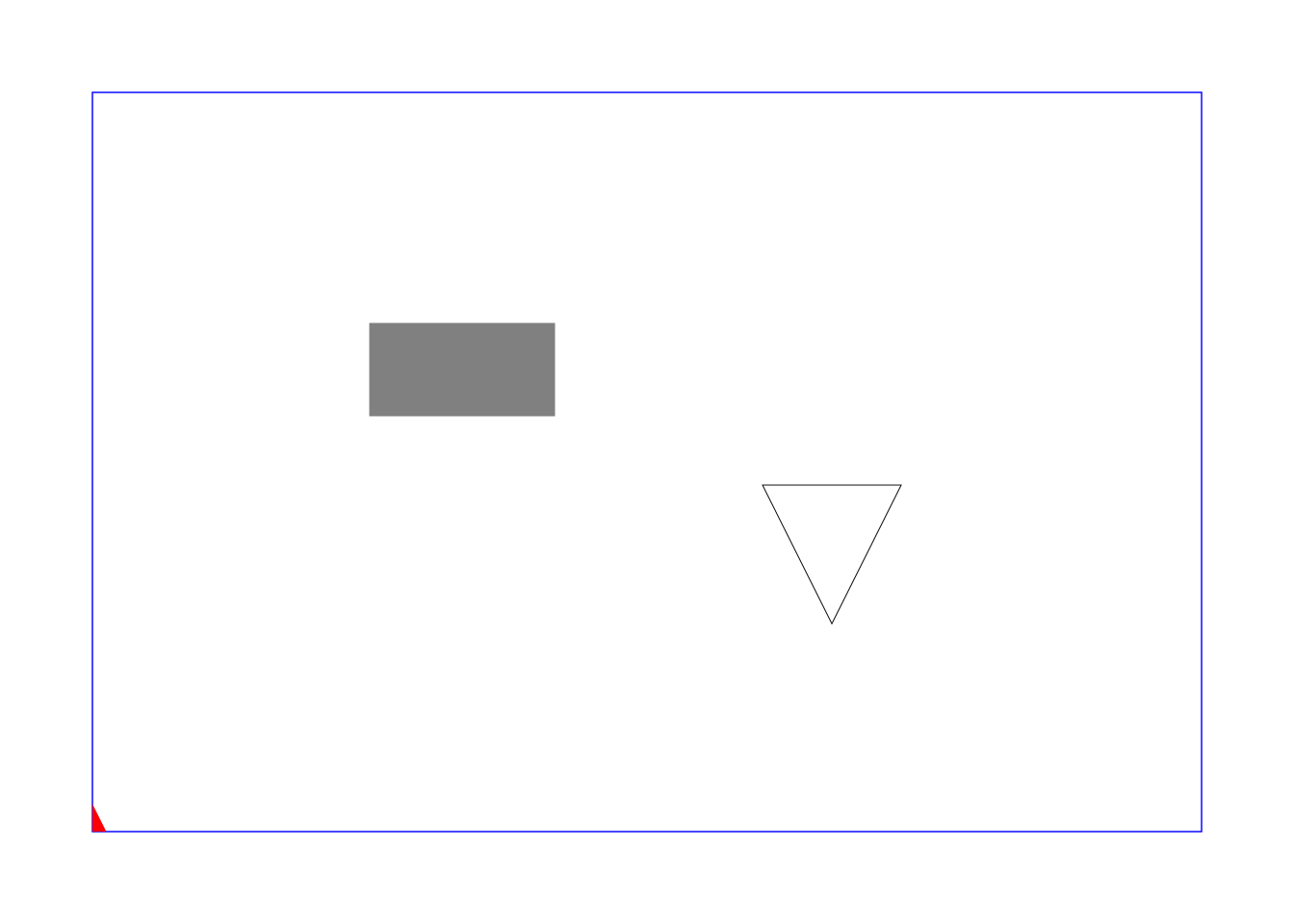
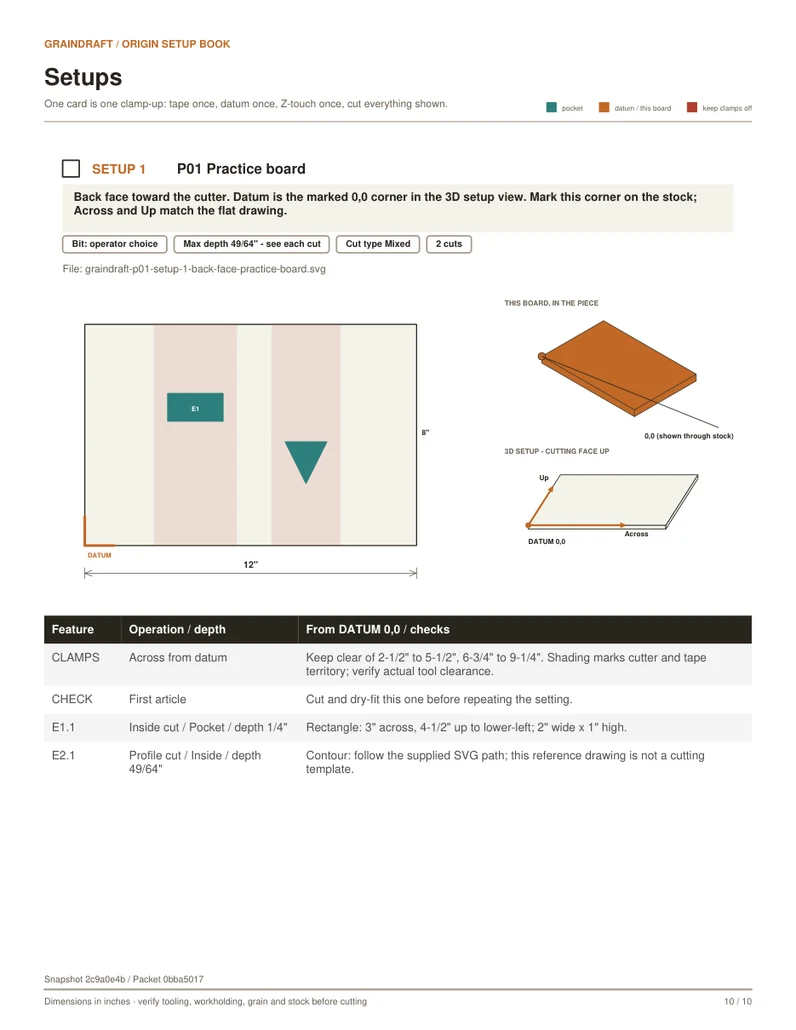
Software-checked example, not physically cut on Origin. Confirm scale, anchor, bit, cut type, depth and workholding before a scrap test. Only supported operations generate SVGs; other work is listed separately.